Thursday, September 9, 2010

Getting Started

The following is from a weekly column I write in the OCDSB Business & Learning Technologies e-Newsletter called Curriculum Connections.

Welcome back to a safe, inclusive and creative year. We are bursting with plans and ideas to help you use the tools and software readily available to facilitate demonstrations of understandings about curriculum, globality, citizenship and diversity.

To assist with some of the early classroom dynamics of using digital media, we have been working hard to help with computer lab and classroom workstation management, first day activities and digital media learning skills. The Instructional Technology Coaches will be contacting Principals soon to re-establish the connections they made last spring and to provide the supports where needed.

What to do once the students are logged in?

A great first day activity, which would promote acceptance and appreciation, would be to create a “Classroom of Care” using Bitstrips. http://www.bitstripsforschools.com/ Open an account and have students create an avatar to add to the class profile. Students can select attributes, props, and backgrounds that reflect who they are, and then present themselves or let classmates determine what makes them special. You can connect with other OCDSB Classrooms of Care online through a safe, sharing environment. If you are new to Bitstrips, take a tour . You and your students will have created a magical place for chronicling all the great collaborations throughout the year.

The following is a document that reflects the Learning Skills from Growing Success.

Learning Skills for Computer and Multi-media Projects

Responsibility
•    I will use the computers and Internet appropriately for school purposes.
•    I will report any problems with the equipment to my teacher.
•    I will complete and hand in assignments within agreed upon timelines.
•    I will not share my userid or password.
•    I will ask before I print.
•    I will respect copyright.
•    I will respect the equipment and leave my workplace tidy.
Organization
•    I will have my userid and password.
•    I will sit at my assigned computer and place books under my chair.
•    I will use my time effectively when researching on the Internet.
•    I will complete all pre-work (storyboards, scripts) before using the computer.
Independent Work
•    I will review my work to ensure that I can finish within the allotted computer time.
•    I will get on task.
•    I understand that computer time is limited, so I will stay on task.
Collaboration
•    I will understand my role in group work (e.g. data researcher, equipment manager).
•    I will listen to others' ideas about how to use the computer or applications.
•    I will ask my elbow partners if I do not know how to do something.
Initiative
•    I will use new resources and tools to create assignments.
•    I will try to solve a problem on my own before I ask the teacher.
•    I understand that I have the right to a safe learning environment, and so do others.
Self-Regulation
•    I will be aware of how my projects are progressing.
•    If I am not sure about something, I will ask.
•    I will choose applications or web resources that will help me be proud of my work. 


OCDSB/BLT/BM
2010/9/8

Sunday, August 29, 2010

Looking back to go forward.

 Curriculum Connections - Aug 29, 2010

Welcome back to an exciting year of innovation and engagement! I trust you spent the summer pursuing the balance and motivations that will propel you towards a vigorous and energetic start to the year.

There are changes to our practice every year, and this year brings a new evaluation process, one that should provide for more authentic opportunities for Assessment for Learning. One of our goals as ICT consultants will be to develop connections of how some of the tools and applications we have promoted can be used for deep learnings and demonstrations of understandings. We also are working to provide accessible, safe, social media experiences for teachers and students to collaborate and network. We’ll be looking at the myriad of online applications, and select and prepare documents and videos of the ones that function well, and are most relevant to your practice.

Many of us have self-selected courses and workshops during the last two months to develop and expand the classroom engagements. Why not take a moment during the first week to connect with your PLC’s and share a few of the “ah-hah” moments and innovative plans for the upcoming year. The power of Professional Development lies in the collaboration and networking, and the consolidation and reflection that happen after the conference or workshop.

A great way to do this reflecting and connecting is through a blog. The very nature of writing a piece that will be published is empowering and thoughtful, something that enhances meta-cognition in both professional and student learner.

Please take a look a colleague’s blog at http://dougpete.wordpress.com for an expert example of using a blog to review, to connect, to express opinion and to solicit feedback. (Thanks to Doug Peterson for his virtual collaboration on this article.)

Monday, June 14, 2010

Collaborative Digital Storytelling with VoiceThreads

Horizon Report

 Storytelling, whether oral or digital, is about sharing experiences. More and more on-line environments are being developed where students can safely and collaboratively persuade, recount, retell, and communicate orally in a clear, coherent manner. VoiceThreads is a free online tool that lets students create collaborative media slideshows with the capability of leaving commentary in a variety of ways (microphone, telephone, text, audio files or webcam). Students are able to demonstrate understanding in a variety of differentiated styles, and VoiceThreads is an important item in the inclusive classroom toolkit.

For more information go to  http://voicethread.com/

Friday, June 11, 2010

Storyboards/Graphic Organizers with Comic Life

As part of the Pre-Writing process, it is important that students develop a clear, concise understanding of what they want to communicate. Storyboards (or graphic organizers) are an integral part of this step, and can be found in many forms. Many of the digital media come with their own built-in storyboards. For example, Comic Life has a multitude of different lay-outs that can be used to advance the story and the initial choice of the lay-out as a storyboard will influence the content and format of the story. Marshall McLuhan was so right! (The medium is the message. 1964)

There are different ways for teachers to facilitate the use of the Comic Life storyboard templates, dependent on your instructional focus. If you are discussing procedural writing you may want to select a linear storyboard (or 2) and print them off for students to work on. If you are working on pre-writing, you may want to have the students self-select a template that best fits their thoughts. There are many different styles, so this activity might be time-constrained. The graphic below illustrates storyboard selection. Simply select and drag.


For more tips on using Comic Life check out http://ocdsbcomiclife.wikispaces.com/
Digital Storytelling – Brainstorming

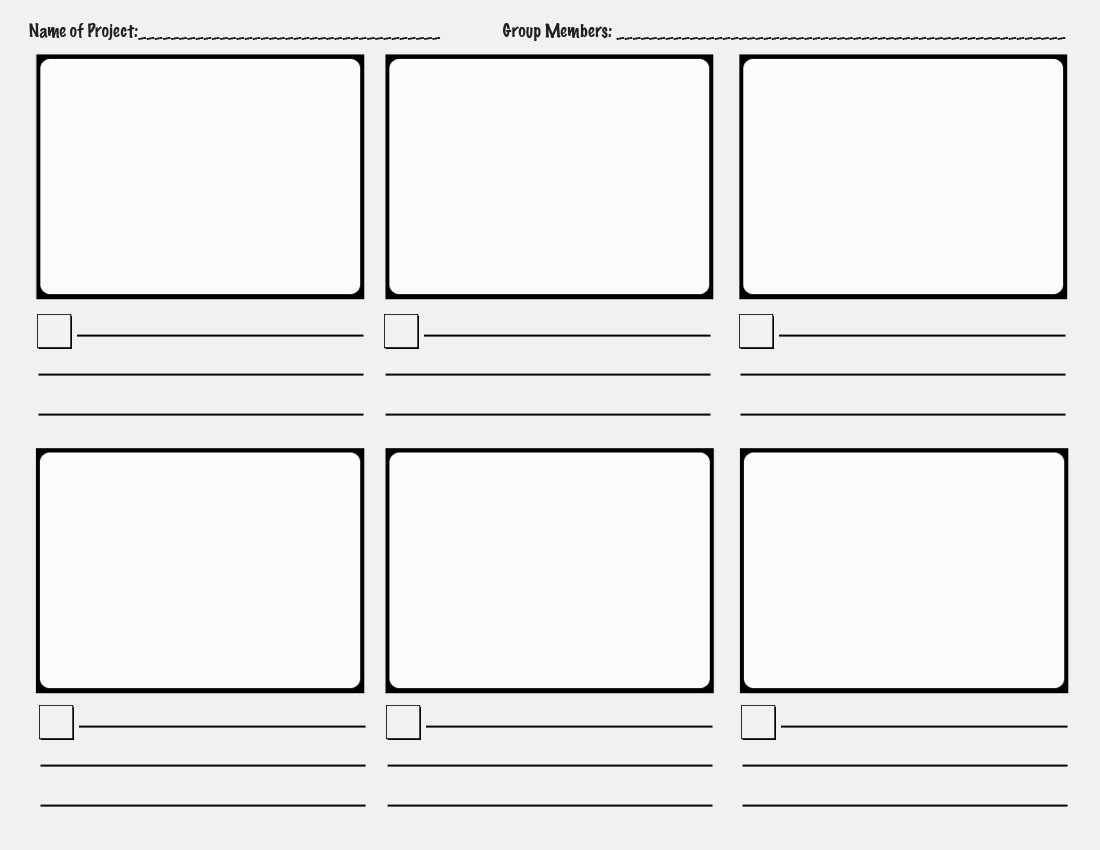
Before creating a digital story, irregardless of what medium your students will use, they should brainstorm in small groups what the content of the story will be. The rule that “less is more” is never truer than when using digital media, and students will need to create a narrative, and then chunk it down into parts that fit together and carry the story forward. The best way to do this is using a storyboard like the one below.

This storyboard could be used for a simple narrative with dialogue such as Bitstrips (http://www.bitstripsforschools.com/) would use.


Use a storyboard with extended features if you are adding music and audio, such as for Photostory.


Check out http://ocdsbphotostory.wikispaces.com/Process for these templates and great tips on producing a simple Digital Story.
Photo Story 3 is a free download from Microsoft at http://www.microsoft.com/windowsxp/using/digitalphotography/photostory/default.mspxUse it for cross-curricular narratives and easy end of the year slide shows.


Thursday, June 10, 2010

Creating Digitally

Creating

Last week we introduced Blooms Digital Taxonomy and Andrew Churches’ extrapolation to the digital processes. Creating (designing, constructing, planning, producing, inventing, devising, making) was evident in the digital processes of programming, filming, animating, blogging, video blogging, mixing, re-mixing, wiki-ing, publishing, videocasting, podcasting, directing, broadcasting. While some of these tools are complex, some are easily accessible to the classroom teacher and can be integrated seamlessly into existing practice.

Writing

Overall expectations (Ontario Language Curriculum, pg.100) can be as easily met by digital processes as by traditional pen exercises.


By the end of Grade 5, students will:         
1. generate, gather and organize ideas and information to write for an intended purpose and audience;

  • Storyboard/graphic organizer
  • Wiki, Google docs (collaborate)
  • Internet research      
2. draft and revise their writing, using a variety of informational, literary and graphic forms and stylistic elements appropriate for the purpose and audience

  • Digital storytelling (Photo story, Voice threads, Comic Life, Bit strips)
  • Use for procedural, persuasive writing, narratives, demonstrations of science experiments, differentiation       
3. use editing, proofreading, and publishing skills and strategies and knowledge of language conventions, to correct errors, refine expression, and present their work effectively
  • Digital editing requires knowledge of conventions appropriate to media, spell-check is available, and revisions are made readily as students are engaged.      
4. reflect on and identify their strengths as writers, areas for improvement, and the strategies they found most helpful at different stages in the writing process
  • Publish to a wiki or blog for peer feedback and metacognitive reflection     
Media Literacy

3. create a variety of media texts for different purposes and audiences, using appropriate forms, conventions and techniques (Ontario Language Curriculum, pg.103)

  • The following diagram shows that a media “construction” maintains the integrity of the writing process (text and audience), but includes a third element (production) which is engaging, rewarding, and relevant to a child’s digital experiences outside of  school, conditions that set the stage for critical inquiry and self-directed learning.

Wednesday, June 9, 2010

Recently I have begun to write a column called "Curriculum Connections" in our weekly newsletter "Technology Times". The brainchild of Dave Miller, IT Manager at the OCDSB, this newsletter reaches out to our learning community to provide communication on any number of initiatives. I see this as an opportunity to archive some of the curriculum ideas that have been the foundation of the workshops that we have provided. 


I had meant to cross-pollinate to this blog weekly, but this year being what it was, I have only now been able to turn my non-vampire eye to the task. (If that doesn't peak your interest, I don't know what will!)

Here then is the first column. I'll get the next few up as fast as super-humanly possible.


Digital Collaboration


In 2007, Andrew Church ranked digital and multi-media skills along the revised (2005) Blooms Taxonomy. Check out the diagram below to discover where skills such as creating videos or designing wikis situate. His Communication Spectrum ranks “Texting” as a Lower Order Thinking Skill, while “Collaborating” is found at the top of the Higher Order Thinking Skills.


What are the implications of this Digital Taxonomy? While students appear to be tech-savvy, communicating easily through text and instant messaging, they are not deep-thinking in their multi-tasking communications. The collaboration involved in creating a digital story (storyboarding, taking appropriate shots, editing, publishing) leads to critical inquiry and problem solving. A wiki is a collaborative tool designed for groups to discuss, contribute, moderate and edit collegially. The evolution of one student texting another, to many students working together to design, plan, produce, and invent, takes place by scaffolding their prior knowledge, and engaging them with familiar tools (computer, handhelds, Internet).

http://www.nonformality.org/wp-content/uploads/2010/02/blooms-digital-taxonomy.jpg